a guide on moving or duplicating drupal YAML config items using drush

ahhh, Drupal modules. where would we be without them? every developer has a trusty list of favorites, and I'm no exception… except that not all of them are of the "plug and play" variety, and sometimes need some setup.
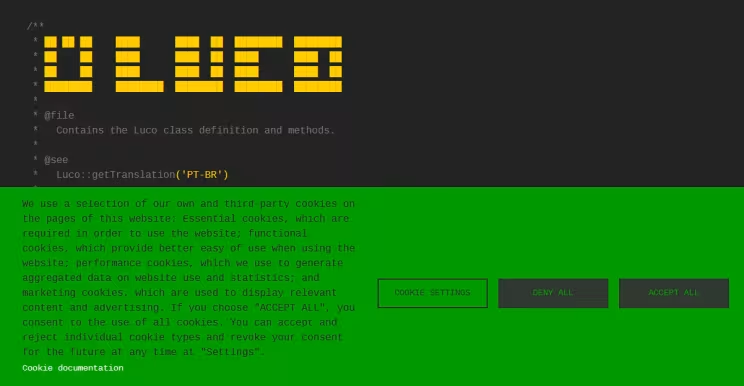
an interesting example is the Cookies Consent Management module, which is not only handy, but in many cases required (by law). however, this module has a few configs for it to function properly given each website's use case.
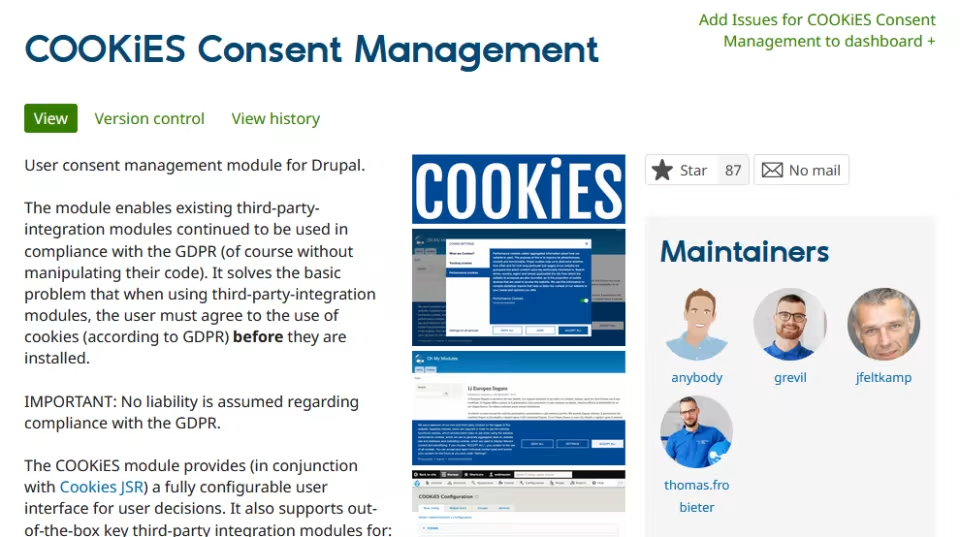
if you're working on a multi-site setup (especially under a single company) you'll need that config to remain consistent, with as little change as possible. this is yet another case where Drush comes to the rescue!
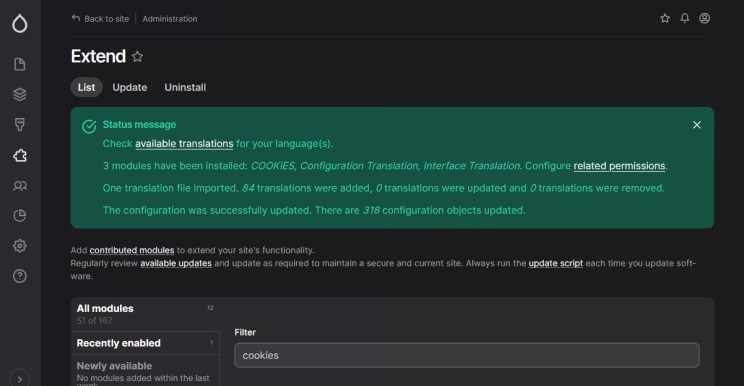
the first thing you'll want to do is enable the module on the website where you'll paste the configs. never mind the settings at this point; you just need Drupal to register your module so its settings can be updated later on.
next, you'll need to export the module configs. for simpler modules, that means going to /admin/config/development/configuration/single/export, but let's face it: if you're reading this guide, that means you're not working on a simple module.
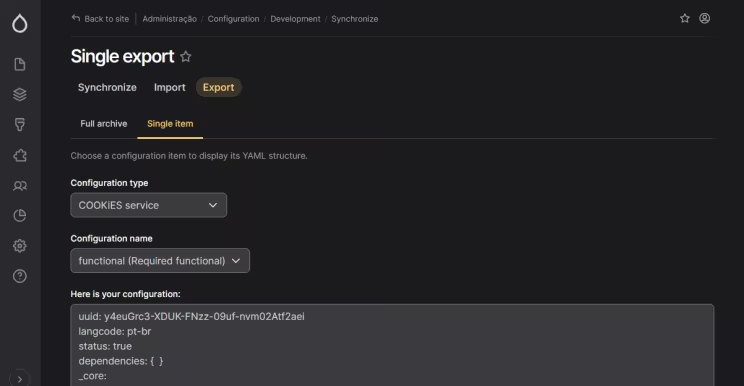
each module may have a set of configuration items, so it's safer to do it via Drush. on the site that's already configured, run:
ddev drush cexthis will export all config items to the dir of your choice, typically sites/default/files/config_HASH, with HASH being a unique identifier as per the official docs.
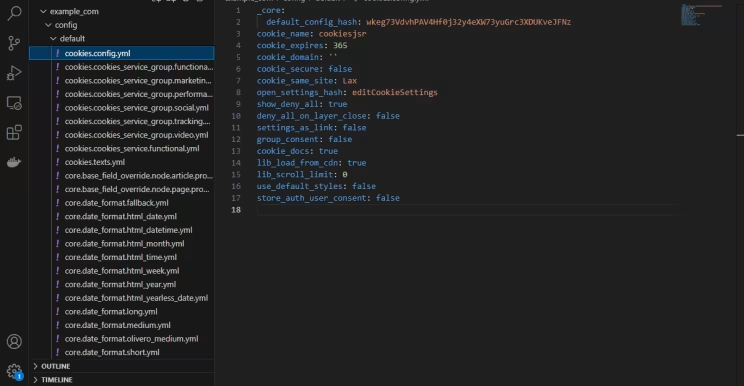
next, save the config files, unaltered, in a subdir called cookies for the destination site.
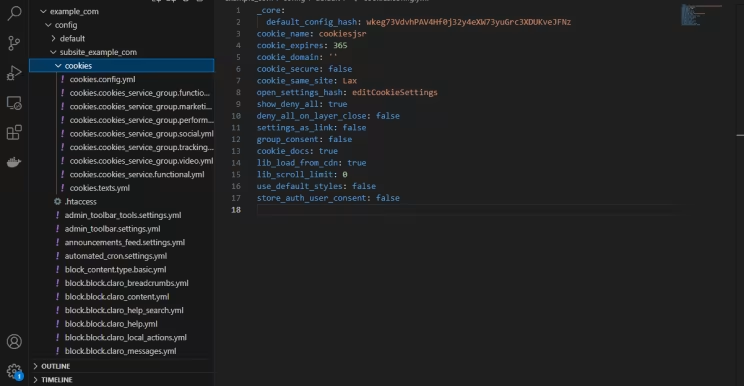
and run:
drush config:import --partial --source=path/to/your/config/cookiesand voilà. but please note that some extra steps related to appearance and block placement will have to be done manually. as usual, if you came across any difficulties, don't hesitate to reach out!
I hope you enjoyed this guide. see you next time, and happy coding! o/
Originally published at https://linkedin.com on May 16, 2025.